Now available for early access
Now available for early access
Spendling (noun)
A small, budgeted spend actor that can execute tasks, allocate funds, and report outcomes within rules you define.
Spendling lets you create budgeted, permissioned spend actors that can execute tasks, measure outcomes, and stop when ROI drops.
Spendling lets you create budgeted, permissioned spend actors that can execute tasks, measure outcomes, and stop when ROI drops.
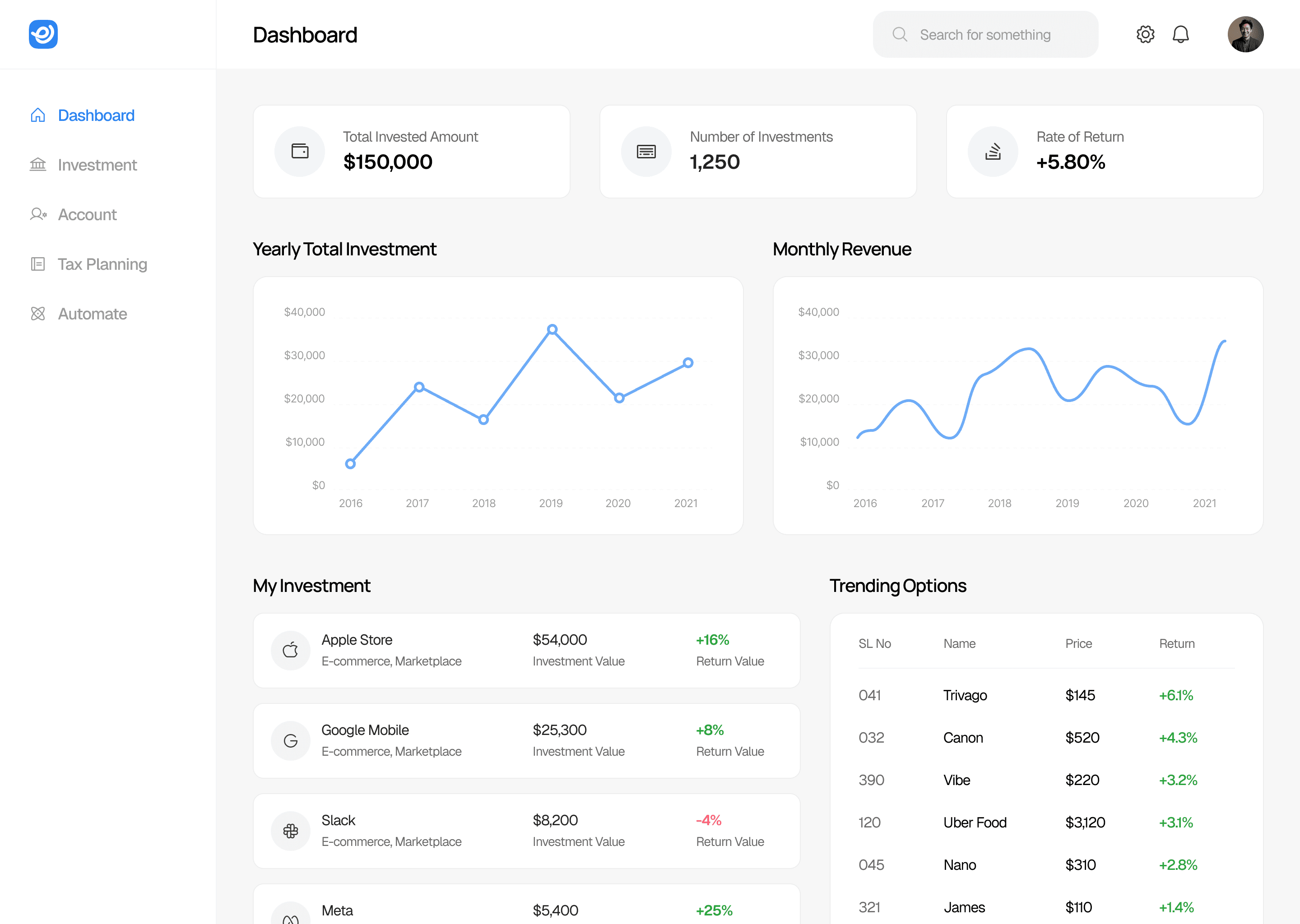
Autonomous execution
Let budgeted Spendlings take action across tools — within rules you define.
Autonomous execution
Let budgeted Spendlings take action across tools — within rules you define.
Autonomous execution
Let budgeted Spendlings take action across tools — within rules you define.
Unified control
Manage budgets, permissions, and outcomes for every Spendling in one place.
Unified control
Manage budgets, permissions, and outcomes for every Spendling in one place.
Unified control
Manage budgets, permissions, and outcomes for every Spendling in one place.
Built-in accountability
Every action is logged, explained, and tied back to measurable results.
Built-in accountability
Every action is logged, explained, and tied back to measurable results.
Built-in accountability
Every action is logged, explained, and tied back to measurable results.
Guardrails by default
Detect anomalies, enforce limits, and shut things down instantly when needed.
Guardrails by default
Detect anomalies, enforce limits, and shut things down instantly when needed.
Guardrails by default
Detect anomalies, enforce limits, and shut things down instantly when needed.
A safer way to let AI spend money, execute tasks, and prove its value.
Outcome-aware decisions
Spendlings don’t just spend — they measure. Connect outcomes from your tools to see what each Spendling is doing, why it’s doing it, and whether it’s working.
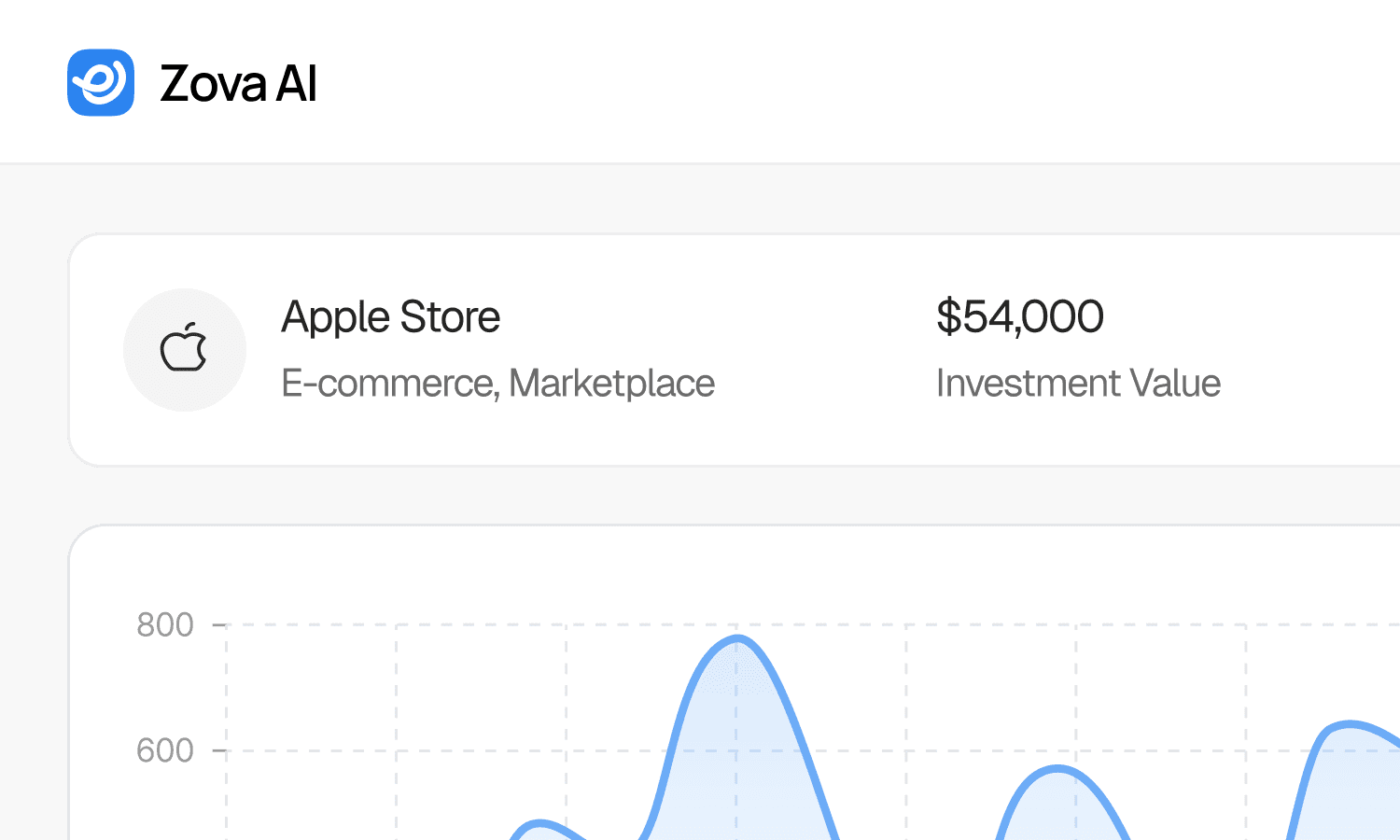
Composable by design
Create, configure, and revoke Spendlings in minutes. Set budgets, permissions, and goals once — then let them operate safely across your stack.

Upcoming Investment Reminder
Google Mobile
Google Mobile
Google Mobile
$2,000 USD
$2,000 USD
$2,000 USD
Sarah
Predictable, enforceable limits
Every Spendling can be capped or paused instantly. No runaway spend. No hidden behavior. Just clear control at every step.
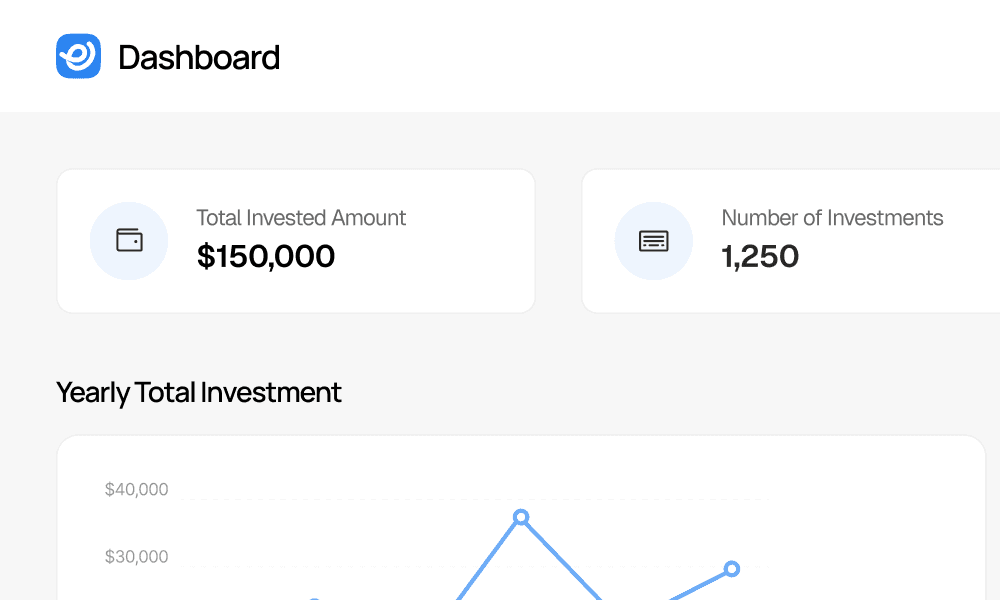
A simple flow for setting boundaries, assigning budgets, and letting Spendlings go to work.
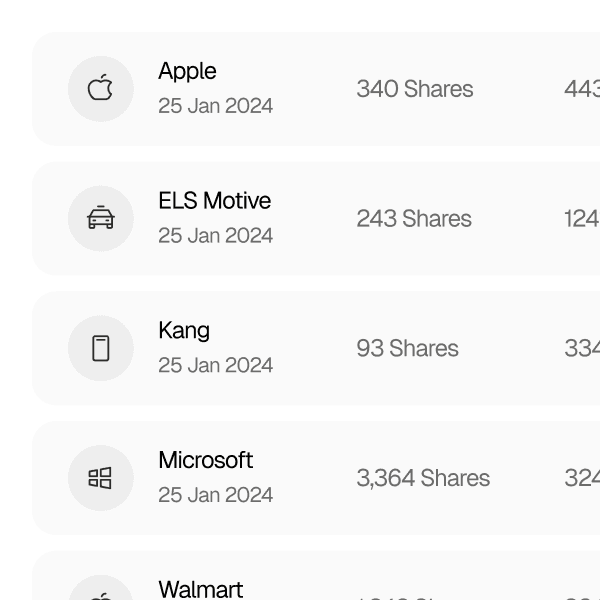
01
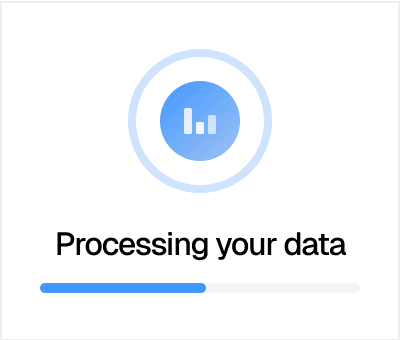
Connect your data
Connect the tools where spending and outcomes happen — ads platforms, billing, analytics, and more.
01
Connect your data
Connect the tools where spending and outcomes happen — ads platforms, billing, analytics, and more.
01
Connect your data
Connect the tools where spending and outcomes happen — ads platforms, billing, analytics, and more.
02
Create a Spendling
Set a budget, permissions, and goals. Each Spendling knows what it can do, how much it can spend, and what success looks like.
02
Create a Spendling
Set a budget, permissions, and goals. Each Spendling knows what it can do, how much it can spend, and what success looks like.
02
Create a Spendling
Set a budget, permissions, and goals. Each Spendling knows what it can do, how much it can spend, and what success looks like.
03
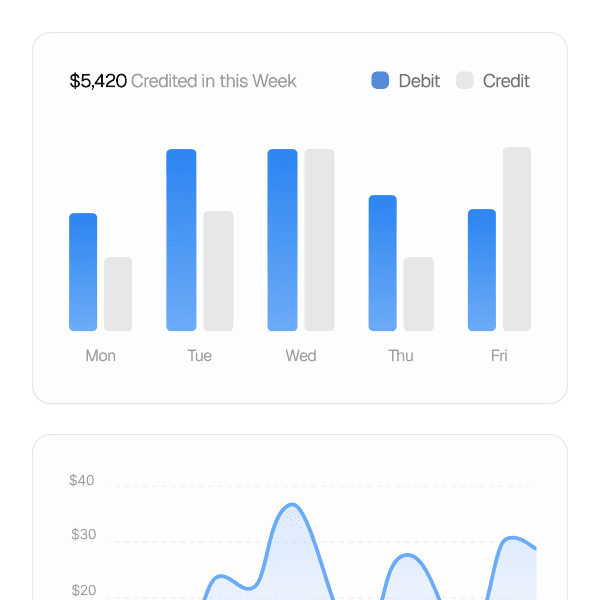
Track spend and outcomes
See exactly what each Spendling spent, what it accomplished, and how results compare to your goals — in real time.
03
Track spend and outcomes
See exactly what each Spendling spent, what it accomplished, and how results compare to your goals — in real time.
03
Track spend and outcomes
See exactly what each Spendling spent, what it accomplished, and how results compare to your goals — in real time.
Give Spendlings access to the tools they need — and nothing they don’t.
















Choose a plan that supports your workflow and scales as you grow.
Pilot
For individuals and small teams experimenting with Spendlings.
Free
Create up to 1 Spendling
Monthly budget limits
Connect core tools
Basic spend and outcome tracking
5% transaction fee
Pilot
For individuals and small teams experimenting with Spendlings.
Free
Create up to 1 Spendling
Monthly budget limits
Connect core tools
Basic spend and outcome tracking
5% transaction fee
Pilot
For individuals and small teams experimenting with Spendlings.
Free
Create up to 1 Spendling
Monthly budget limits
Connect core tools
Basic spend and outcome tracking
5% transaction fee
Growth
For teams running multiple Spendlings with measurable outcomes.
$249
/mo
Create up to 10 Spendlings
Per-Spendling budgets and permissions
Outcome tracking and ROI metrics
Automated pausing on rule violations
4.5% transaction fee
Growth
For teams running multiple Spendlings with measurable outcomes.
$249
/mo
Create up to 10 Spendlings
Per-Spendling budgets and permissions
Outcome tracking and ROI metrics
Automated pausing on rule violations
4.5% transaction fee
Growth
For teams running multiple Spendlings with measurable outcomes.
$249
/mo
Create up to 10 Spendlings
Per-Spendling budgets and permissions
Outcome tracking and ROI metrics
Automated pausing on rule violations
4.5% transaction fee
Pro
For teams scaling autonomous spend across the organization.
$599
/mo
Unlimited Spendlings
Advanced policies and approval flows
Team roles and permissions
Anomaly detection alerts
4% transaction fee
Pro
For teams scaling autonomous spend across the organization.
$599
/mo
Unlimited Spendlings
Advanced policies and approval flows
Team roles and permissions
Anomaly detection alerts
4% transaction fee
Pro
For teams scaling autonomous spend across the organization.
$599
/mo
Unlimited Spendlings
Advanced policies and approval flows
Team roles and permissions
Anomaly detection alerts
4% transaction fee
Clear answers about setting boundaries, connecting tools, and staying in control.
Still got questions?
How do I connect tools Spendlings can use?
You connect tools through secure integrations and explicitly choose which Spendlings are allowed to access each one.
Can I change my plan or Spendlings at any time?
Yes — you can add, pause, revoke, or reconfigure Spendlings and change your plan at any time.
How does Spendling keep spending secure?
Every Spendling operates within human-defined budgets, permissions, and rules, and cannot act outside them.
Can multiple team members manage Spendlings?
Yes — Spendling supports team roles and permissions so oversight and control can be shared safely.
What tools can Spendlings connect to?
Spendlings can connect to ads platforms, billing, analytics, and other tools you authorize, with more integrations added over time.
Do you help teams set safe limits and policies?
Yes — we provide guided setup and best-practice defaults to help teams define clear budgets, permissions, and goals.
How do I connect tools Spendlings can use?
You connect tools through secure integrations and explicitly choose which Spendlings are allowed to access each one.
Can I change my plan or Spendlings at any time?
Yes — you can add, pause, revoke, or reconfigure Spendlings and change your plan at any time.
How does Spendling keep spending secure?
Every Spendling operates within human-defined budgets, permissions, and rules, and cannot act outside them.
Can multiple team members manage Spendlings?
Yes — Spendling supports team roles and permissions so oversight and control can be shared safely.
What tools can Spendlings connect to?
Spendlings can connect to ads platforms, billing, analytics, and other tools you authorize, with more integrations added over time.
Do you help teams set safe limits and policies?
Yes — we provide guided setup and best-practice defaults to help teams define clear budgets, permissions, and goals.
How do I connect tools Spendlings can use?
You connect tools through secure integrations and explicitly choose which Spendlings are allowed to access each one.
Can I change my plan or Spendlings at any time?
Yes — you can add, pause, revoke, or reconfigure Spendlings and change your plan at any time.
How does Spendling keep spending secure?
Every Spendling operates within human-defined budgets, permissions, and rules, and cannot act outside them.
Can multiple team members manage Spendlings?
Yes — Spendling supports team roles and permissions so oversight and control can be shared safely.
What tools can Spendlings connect to?
Spendlings can connect to ads platforms, billing, analytics, and other tools you authorize, with more integrations added over time.
Do you help teams set safe limits and policies?
Yes — we provide guided setup and best-practice defaults to help teams define clear budgets, permissions, and goals.
Reach out to our team at any time for support or questions and we’ll get back to you within 2 business days.
2261 Market Street STE 10597 San Francisco, CA
2261 Market Street STE 10597 San Francisco, CA
2261 Market Street STE 10597 San Francisco, CA
Create budgeted Spendlings that can execute tasks, measure outcomes, and stop when limits are reached.
Create budgeted Spendlings that can execute tasks, measure outcomes, and stop when limits are reached.
Create budgeted Spendlings that can execute tasks, measure outcomes, and stop when limits are reached.